Manga Toon Mouth NEW
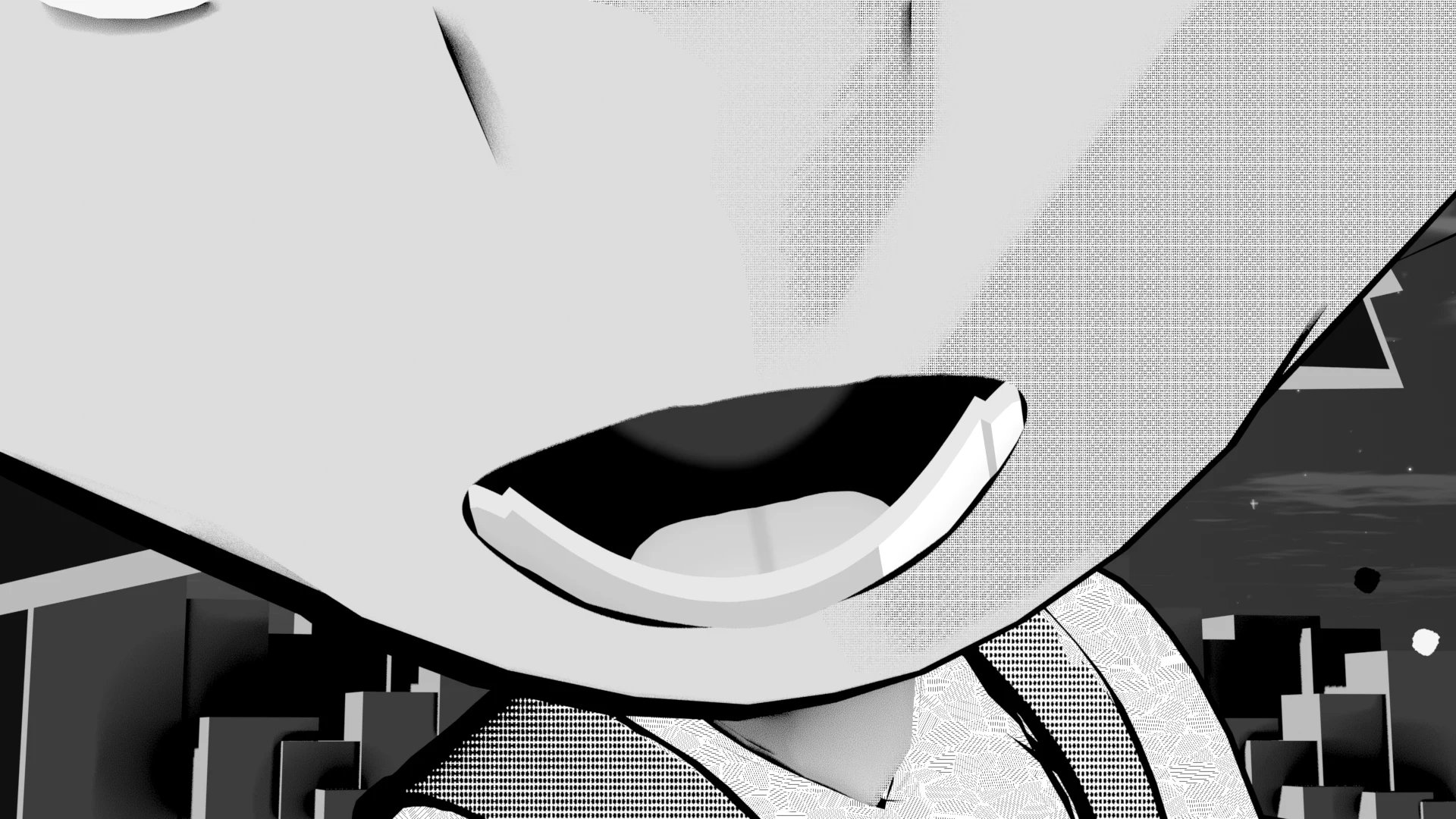
MTM · Material › Manga Toon Mouth + Geometry Nodes › MTS Mouth Inner
The mouth is made of two parts: the mouth plane (a material) that sticks to the face surface, and the mouth interior geometry (Geometry Nodes) placed behind it. The teeth, tongue and depth change with the values on the mouth interior's Modifier.
Layer stack
The mouth interior stacks layers at different depths and uses parallax to look 3D.
Node tree
Inputs
Each row of 5 spheres (eye, mouth, sky) shows the value changing from left to right. The values are written under each image. The yellow cell is the setting's default; all other settings stay at their defaults.
MTS Mouth Inner settings
| Panel | Setting | English Name | Default |
|---|---|---|---|
| Teeth | Teeth Style | Teeth Style |
1 |
| Upper Teeth | Upper Teeth Height | Upper Teeth Length |
0.3 |
| Upper Teeth | Upper Teeth Width | Upper Teeth Width |
1 |
| Upper Teeth | Upper Teeth Rotation Forward / Back | Upper Teeth Rotation X |
0° |
| Upper Teeth | Upper Teeth Rotation Left / Right | Upper Teeth Rotation Y |
0° |
| Upper Teeth | Upper Teeth Rotation Front | Upper Teeth Rotation Z |
0° |
| Tongue | Tongue Size | Tongue Size |
0.55 |
| Inside | Depth | Depth |
1.2 |
| Fang | Fang Size | Fang Size |
1.5 |
Teeth
Teeth StyleDefault 1Compared 0 → 30 = Solid, 1 = Square, 2 = Round, 3 = Jagged. In the Sidebar you pick one with the buttons.

Upper Teeth LengthDefault 0.3Compared 0.1 → 0.6Height of the upper teeth from root to tip. Lower Teeth Height works the same way for the lower teeth.

The next four comparisons use the same mouth as the Teeth Style comparison (Teeth Style 0, everything else at its default). The lower teeth have the same settings (Lower Teeth Width and Rotation).
Upper Teeth WidthDefault 1Compared 0.4 → 1.6Width of the row of teeth (the full mouth width = 1). The number of teeth stays the same; the row shrinks or widens from its center.

Upper Teeth Rotation XDefault 0°Compared −40° → 40°Tilts the row of teeth forward or back, like buck teeth (upper) or an underbite (lower).

Upper Teeth Rotation YDefault 0°Compared −40° → 40°Turns the row of teeth left or right: one side goes back, the other comes forward.

Upper Teeth Rotation ZDefault 0°Compared −20° → 20°Rotates the row of teeth as seen from the front. Handy for lining the teeth up with a tilted mouth.

Tongue
Tongue SizeDefault 0.55Compared 0 → 1.1The size of the tongue.

Inside
DepthDefault 1.2Compared 0.4 → 2.6How deep the mouth interior is. When shallow, the dark throat at the back looks closer.

Fang
Fang SizeDefault 1.5Compared 0.5 → 3The length of the fang (when Fang is on).
