Manga Toon Effects NEW
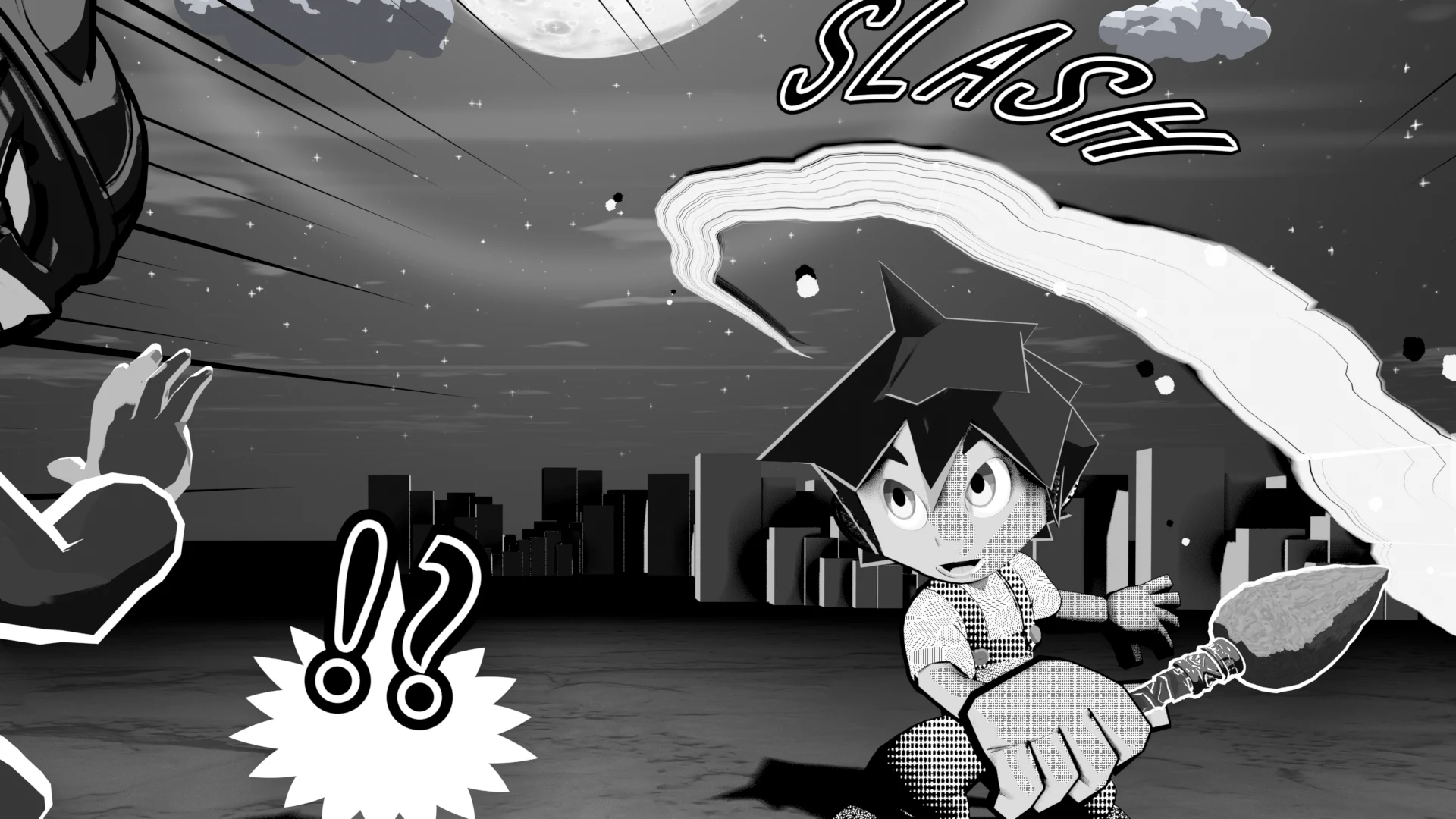
MTFX · Geometry Nodes › MTS FX …
There are 54 effects in total, and all of them are built with Geometry Nodes. Their values appear in the object's Modifier, and they are also listed in the "Effect" section of the Sidebar, with lock and Keyframe buttons. By how they are built, they fall into the four groups below.
The categories in the Sidebar (effect lines, manga symbols, attacks, elements...) are sorted to make effects easy to find. The groups on this page are sorted by how the effects are built. Each group's layer diagram uses one representative effect as the example.
Screen lines
These are parented to the camera and drawn relative to the screen. They stay in the same place on screen when you move the camera, and the line width on screen does not change when you change the focal length.
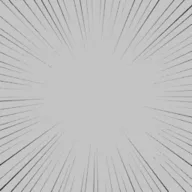 Focus Lines
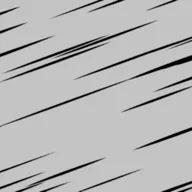 Speed Lines
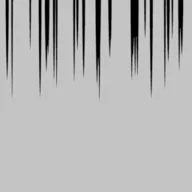 Gloom Lines
Main settings (Focus Lines)
| Setting | English name | What it does |
|---|---|---|
| Line count | Count |
Number of lines |
| Line width | Line Width |
Width of the lines (1 = screen height) |
| Width variation | Width Random |
How much the width differs from line to line |
| Taper | Taper |
Makes the inner end thinner |
| Color | Color |
Line color |
| Blank radius | Blank Radius |
Area in the center where no lines are drawn |
| Length variation | Length Random |
Variation of where each line's inner end stops |
| Spacing variation | Angle Random |
Variation of the spacing between lines |
| Center X / Center Y | Center X / Y |
Where the lines converge (0 to 1 on screen) |
| Depth | Depth |
Distance from the camera (front/back overlap) |
| Seed | Seed |
Changes the variation pattern |
| Boil interval (frames) | Boil Interval |
Redraws every N frames (0 = off) |
Manga line art
Effect lines, manga symbols and drawn sound effects are black-and-white line art (material MTS FX Ink). They are placed in 3D space and always face the camera. Line and edge widths are a ratio of the screen height, so they look the same width even when they are far from the camera.
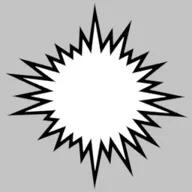 Impact Burst
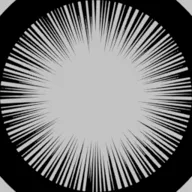 Beta Flash
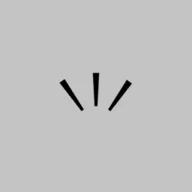 Notice Lines
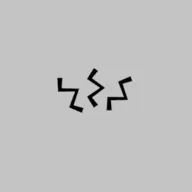 Shock Lines
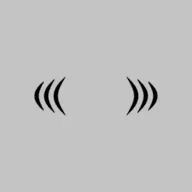 Tremble Lines
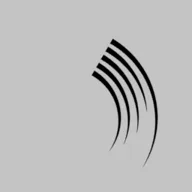 Swoosh Lines
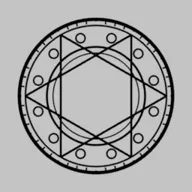 Magic Circle
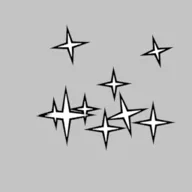 Sparkles
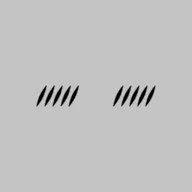 Blush Lines
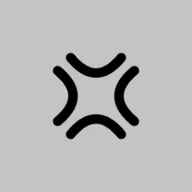 Anger Mark
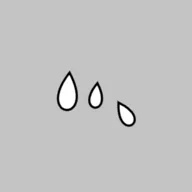 Sweat Drops
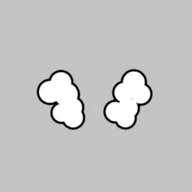 Steam Puffs
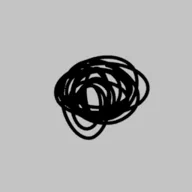 Scribble
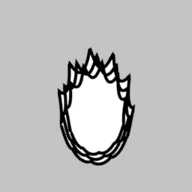 Manga Aura
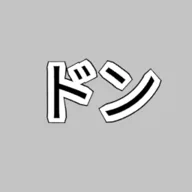 Sound Effect Text
 !
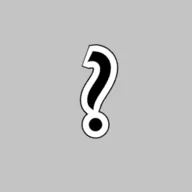 ?
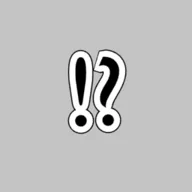 !?
 Music Notes
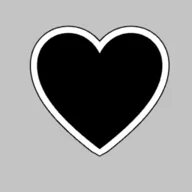 Heart
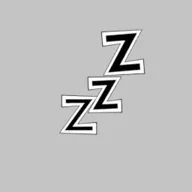 Zzz
Only drawn sound effects are text objects
Drawn sound effects are added as a Blender text object and warped with Geometry Nodes (MTS FX Manga Text Warp). There is no face-camera setting; you set the direction with the object's normal rotation. See Feature Guide › Drawn sound effects for how to use them.
Main settings (shared)
| Setting | English name | What it does |
|---|---|---|
| Line width | Line Width |
Width of the lines (1 = screen height) |
| Color | Color |
Line color |
| Fill color | Fill Color |
Fill color (for manga symbols that have a fill) |
| Edge width / Edge color | Edge Width / Color |
The edge around the fill |
| Face camera | Face Camera |
Off = keeps the object's own orientation |
| Size | (Scale) |
Set by the object's scale |
Game-style VFX
These work like particle effects in Unity or Unreal Engine: each effect is built by stacking several layers (flash, sparks, ring, smoke...). A layer is either a group of camera-facing cards, or a mesh such as a ring, arc or pillar. Time is controlled by the "Effect Progress" slider (0 to 1), which goes: anticipation → onset → peak → afterglow → fade out. Add Keyframes to it to animate the effect.
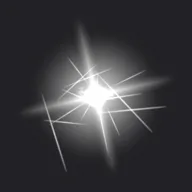 Hit Spark
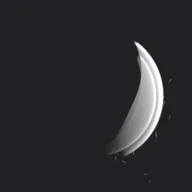 Sword Slash
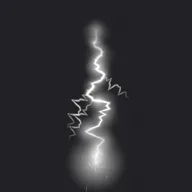 Lightning Bolt
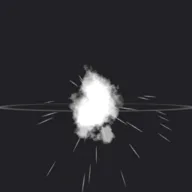 Blast
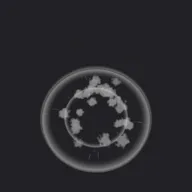 Shockwave Ring
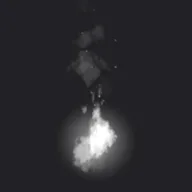 Flames
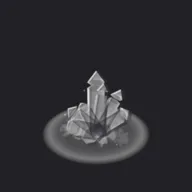 Ice Crystals
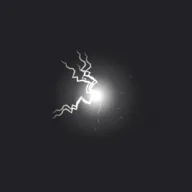 Electric Orb
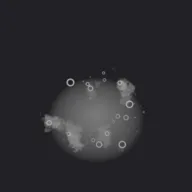 Poison
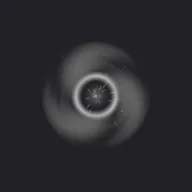 Dark Vortex
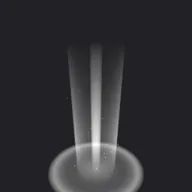 Holy Light
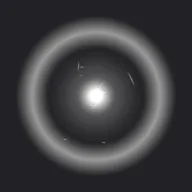 Charge Up
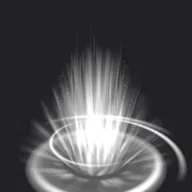 Aura
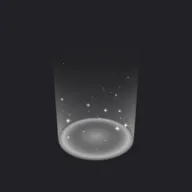 Heal
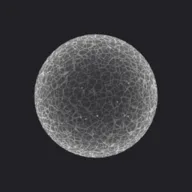 Barrier
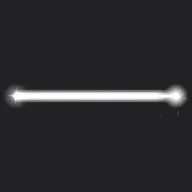 Beam
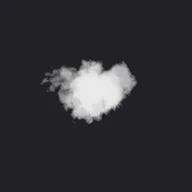 Smoke Cloud
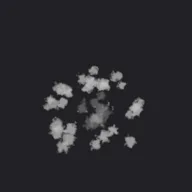 Landing Dust
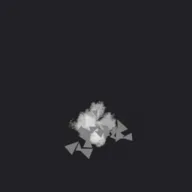 Debris
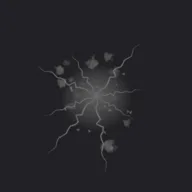 Ground Crack
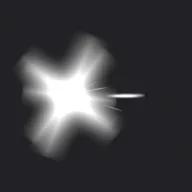 Muzzle Flash
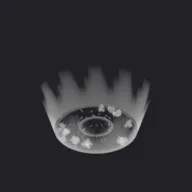 Water Splash
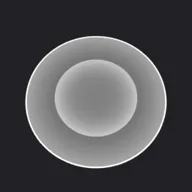 Warning Circle
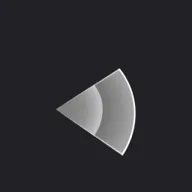 Warning Fan
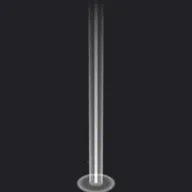 Light Pillar
Main settings (shared)
| Setting | English name | What it does |
|---|---|---|
| Progress | Effect Progress |
0 = start, peak in the middle, 1 = gone |
| Size | Size |
Size of the whole effect |
| Color / Secondary color | Color / Secondary Color |
Color of the light and sparks / color of the smoke, debris and shadow parts |
| Intensity | Intensity |
Brightness of the glowing parts |
| Additive glow | Additive Glow |
1 = adds light, 0 = normal semi-transparency |
| Seed | Seed |
Changes the variation pattern |
| Contrast / Brightness | Contrast / Brightness |
Strength of the color's black-and-white contrast, and its brightness |
| Hardness | Hardness |
Higher = crisper, more manga-like shapes |
| Drop shadow | Drop Shadow |
A dark shadow behind the effect so it stays visible on bright backgrounds |
| Shadow color, opacity, offset, spread | Shadow Color / Opacity / Offset / Spread |
Look of the drop shadow |
| Outer glow | Outer Glow |
On = glows all around without an offset |
| Continuous effects (fire, aura, barrier and so on) repeat several times as progress goes from 0 to 1. |
Ink & brush
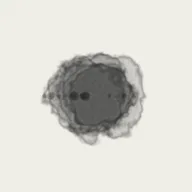
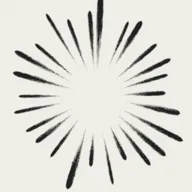
Ink does not glow (normal semi-transparency, no additive blending). The default color is black, and ink does not fade out at the end, because it stays on the paper once drawn. The brush shape is made in the shader, with ragged edges, bristle streaks and dry-brush breaks (stronger toward the end of the stroke).
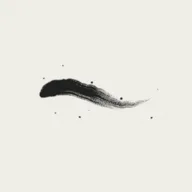 Brush Stroke
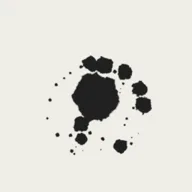 Ink Splatter
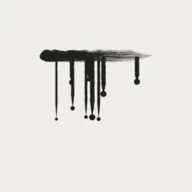 Ink Drips
 Ink Wash
 Brush Burst
Main settings (Brush Stroke)
| Setting | English name | What it does |
|---|---|---|
| Progress | Effect Progress |
How far the brush has traveled (0 → 1) |
| Ink color / Ink opacity | Ink Color / Ink Opacity |
Color and density of the ink |
| Face camera | Face Camera |
Off = uses the object's orientation |
| Stroke shape | Stroke Shape |
0 = S-curve, 1 = ensō (circle), 2 = straight line |
| Length | Length |
Length of the stroke |
| Brush width | Brush Width |
Width of the brush |
| Taper in / Taper out | Taper In / Out |
Length until the stroke reaches full width / length over which it thins out |
| Dry brush | Dry Brush |
Dry-brush breaks (stronger toward the end of the stroke) |
| Wobble | Wobble |
Hand shake |
| Splatter | Splatter |
Small ink drops flying off the brush |
| Rotation | Rotation |
Direction of the stroke |
| Draw along a path | Use Stroke Path |
Draws along an editable path (Bezier curve) |