
Finish manga panels
right inside Blender.
3D Manga Studios is a Blender add-on that makes 3D scenes look like black-and-white manga pages. Screentones, outlines, camera panel layout, lights, eyes and mouths, backgrounds, effect lines and speech balloons are all covered by four panels in the Sidebar.
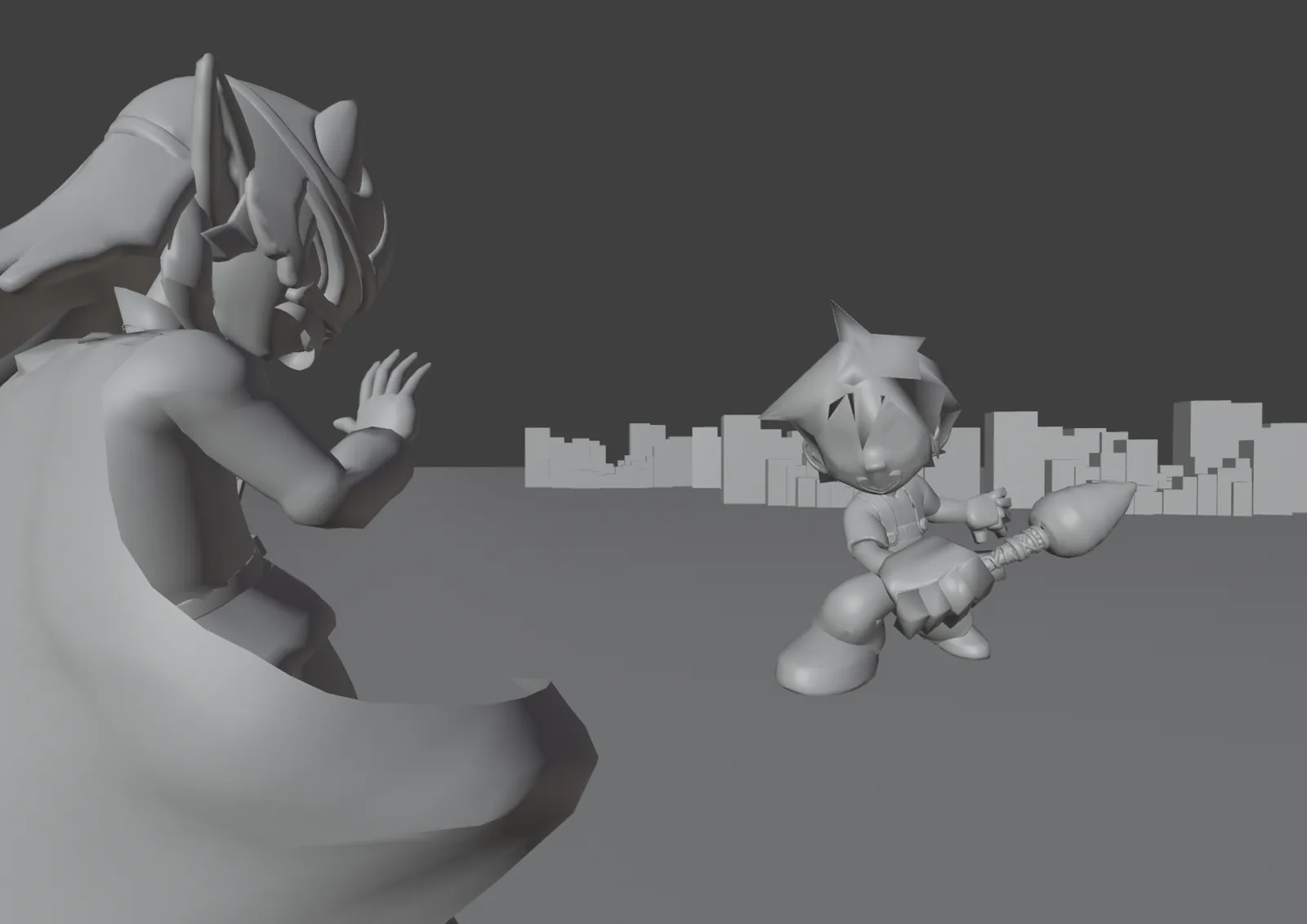
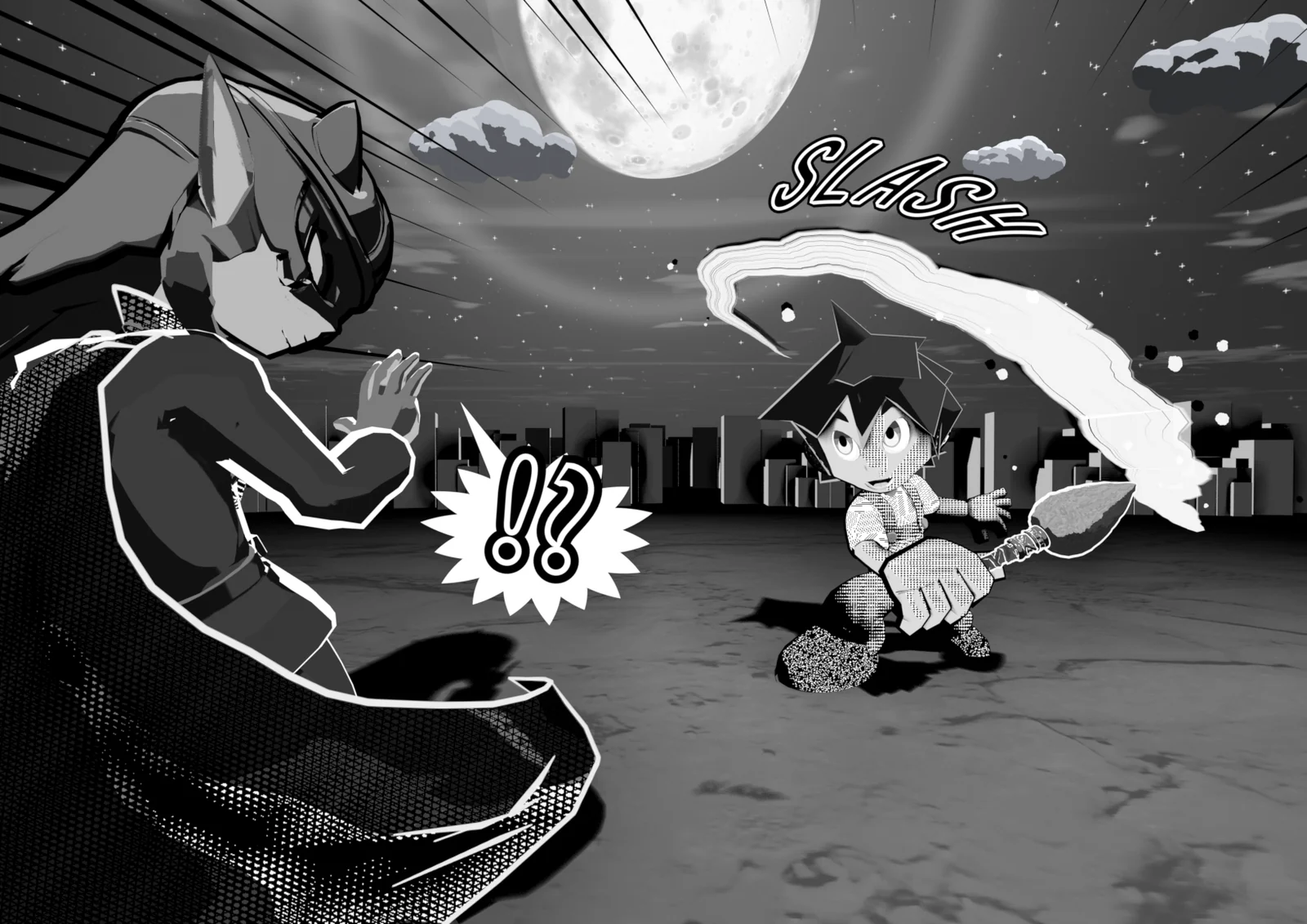 BeforeAfter
Overview
3D Manga Studios is a Blender add-on that turns a 3D scene into black-and-white artwork that looks like a real manga panel. Applying screentones, drawing outlines, placing lights and adding backgrounds and effect lines are all done with buttons and values in the Sidebar, without building node trees by hand. Because pose and framing stay in 3D, you can reshoot the same character from another angle for the next panel in seconds.
Features
Materials Tones and shadows in one click
Manga Tone Shader reads the key, fill and back lights separately and turns them into halftone dots or crosshatch tones. Gloss, rim light, painterly and watercolor looks are included. → Materials
Outlines Pick lines by role
Choose the outer silhouette and inner lines by role, and switch the whole line look with presets such as G-Pen or Pencil Rough. → Outlines
Scene Page size and panel layout
Set the resolution and guides from A-size or B-size pages and their splits. Includes Distortion Fix for faces stretched by wide lenses. → Scene
Lights Three lights and Light Linking
Place three lights per character and let Light Linking decide what each one lights, automatically. → Scene › Lights
Eyes & Mouth Eyes and a mouth you can animate
Parallax eyes and an anime mouth that moves without shape keys. Change expressions with eye effects and pupil shapes. → Materials › Eyes & Mouth
Backgrounds & Effects Finish the panel
Pick sky and background Worlds, a ground that catches shadows, focus lines and manga symbols, ink brush strokes, SFX lettering and speech balloons from thumbnails. → Backgrounds & Effects
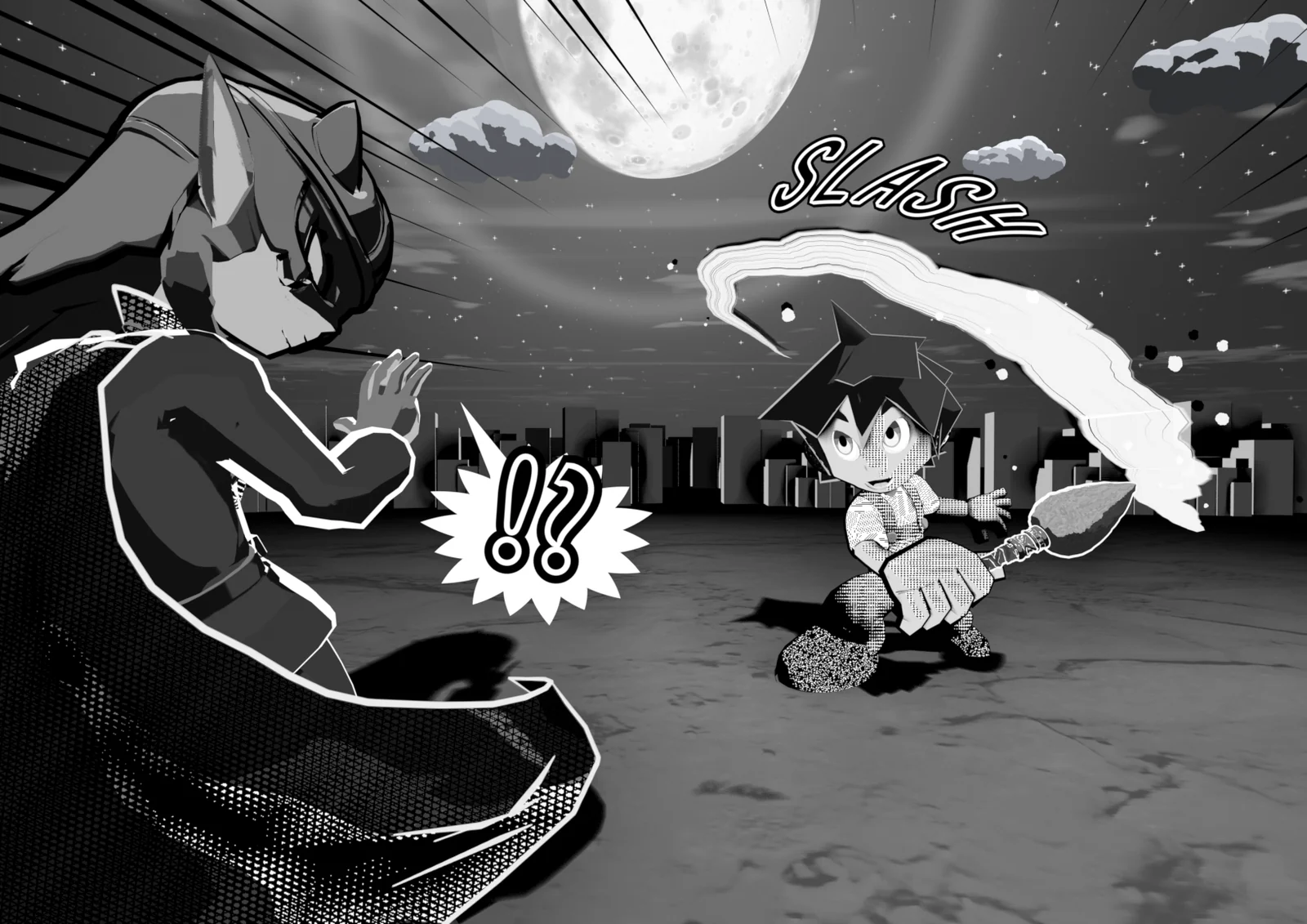
One Panel in 4 Steps
Requirements
| Item | Details |
|---|---|
| Blender | 4.5 LTS or later (5.2 LTS recommended) |
| Render engine | EEVEE only (Cycles is not supported) |
| UI language | Japanese and English (follows Blender's language setting) |
| License activation | Needs an internet connection the first time (works offline for a period after activation) |
See Getting Started › Requirements for details.
License
| Item | License |
|---|---|
| Add-on (Python scripts) | MIT License / GNU GPL v3 |
| Bundled assets (materials, nodes, images) | The included terms (License_JP / License_EN) |
The full text and the terms for using the assets in your work are on Terms & License.
Notes
| Item | Details |
|---|---|
| Developer | Adacchi-MultiCreator |
| Latest version | v1.2.0 beta (see the Changelog) |
| News | X (@3d_manga19094) |
| Bug reports | GitHub Issues |
| Older versions | The v1.0 documentation is available from the version switcher in the header |
How to Use These Docs
| What you want to know | Page |
|---|---|
| Installation and requirements | Installation |
| Requesting and activating a license key | License Activation |
| How to use each Sidebar panel | Feature Guide |
| What's inside the materials, and how values change the look | Material Specs |
| The bundled screentone assets | Manga Tone Flat / Manga Tone Shaded |
| What English UI terms are in Japanese | Translation Dictionary |
| When something doesn't work | FAQ |
| What's changed | Changelog |
| What you may do, and the terms | Terms of Use & License |