Manga Toon Backgrounds (Sky) NEW
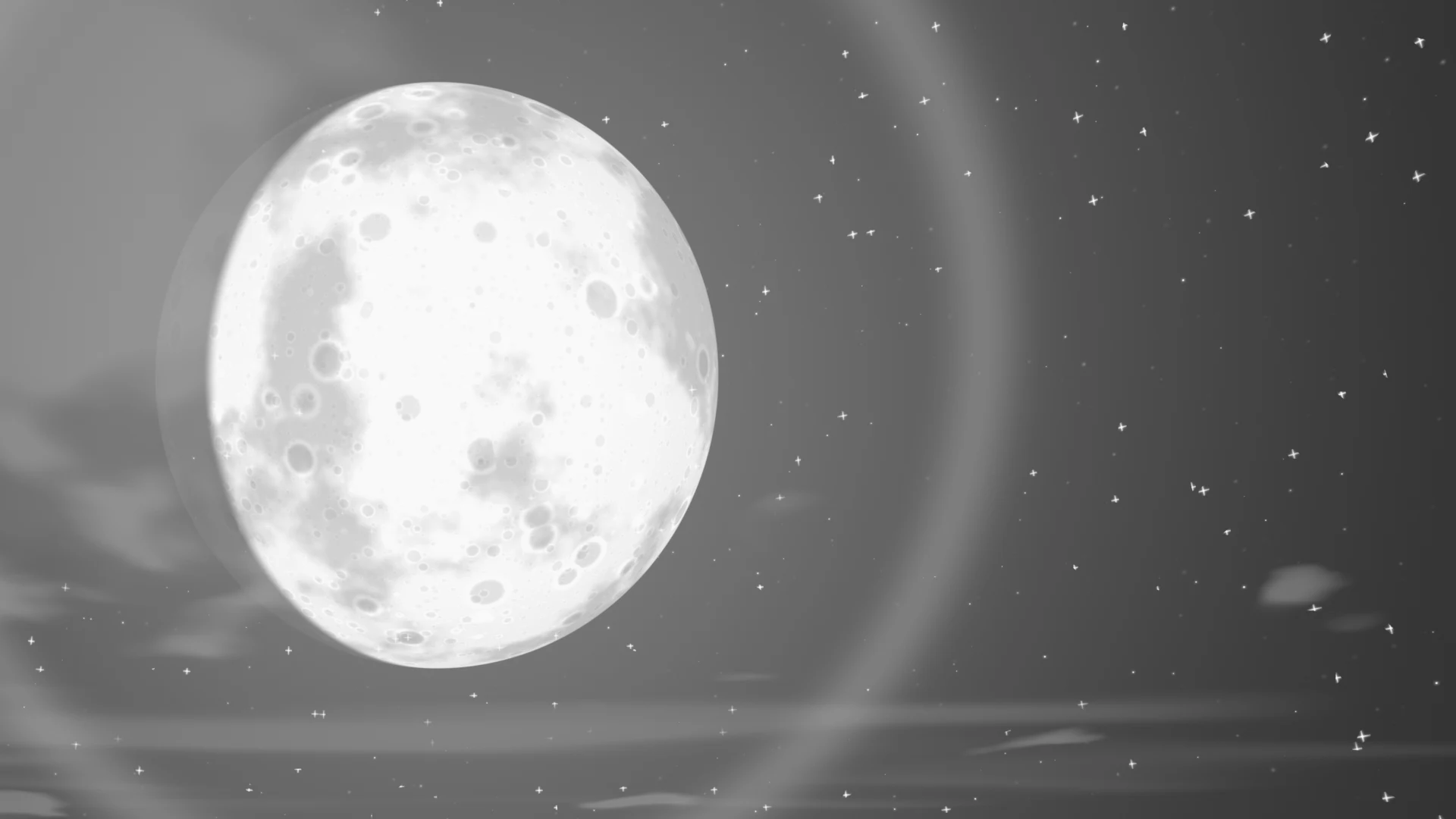
MTB · World › Manga BG Sky › MTS BG Sky
Every background is added as a World. The World shader is set up as "background color only when seen by the camera, black as lighting", so changing the background does not change the character's shading. This page lists the main values of the "Sky" background preset.
Layer stack
On top of the sky color, layers are stacked from the farthest to the nearest.
Node tree
Effects (focus lines, explosions and so on) and speech balloons are built with Geometry Nodes, and their values appear on the object's Modifier. For how each type looks, see the "Effects" list in the guide.
Inputs
Each row of 5 spheres (eye, mouth, sky) shows the value changing from left to right. The values are written under each image. The yellow cell is the setting's default; all other settings stay at their defaults.
MTS BG Sky settings
| Panel | Setting | English Name | Default |
|---|---|---|---|
| Sky | Art Style | Art Style |
1 |
| Sky | Time of Day | Time of Day |
0.45 |
| Clouds | Big Clouds | Big Clouds |
0.5 |
| Manga Style | Sky Tone | Sky Tone |
0.3 |
Sky
Art StyleDefault 1Compared 0 → 10 = manga (black and white, screentone, cloud outlines), 1 = anime (color, soft shading). Images use sky saturation 1.

Time of DayDefault 0.45Compared 0.05 → 0.85Night → dawn → day → evening → night. The sun color also changes with the time of day.

Clouds
Big CloudsDefault 0.5Compared 0 → 1The amount of big clouds.

Manga Style
Sky ToneDefault 0.3Compared 0 → 1With Art Style 0, how dark the screentone on the sky is.
